From voice memo to useful note: a simple workflow
A repeatable three-step system for capturing ideas, cleaning the transcript, and moving the result into your notes app.
Capture first, organize second
Voice works best when it removes friction. Use a short title, speak the idea in full sentences, and end with the next action. Do not edit while recording.
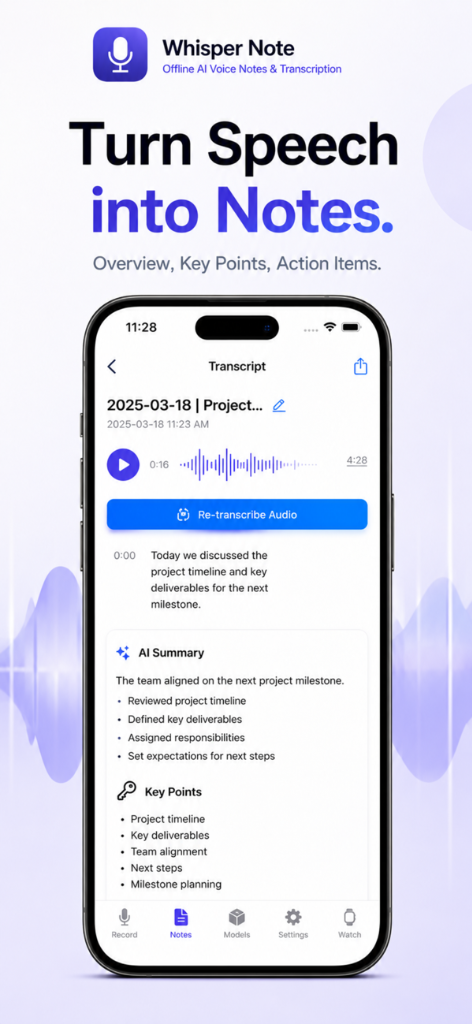
Once transcribed, remove repetition and promote the important line to the top. The goal is not a perfect transcript; it is a note you can understand next week.
Give every recording a destination
Export project ideas to Markdown, interview captions to SRT, and structured outlines to OPML. Choosing the destination before you record makes the final step almost automatic.