Whisper Notes
Offline AI Transcription
Record voice or import audio files, get accurate speech to text. Everything runs on your device—no internet needed, no cloud uploads, no subscriptions.
Features
Powerful features that make transcription effortless
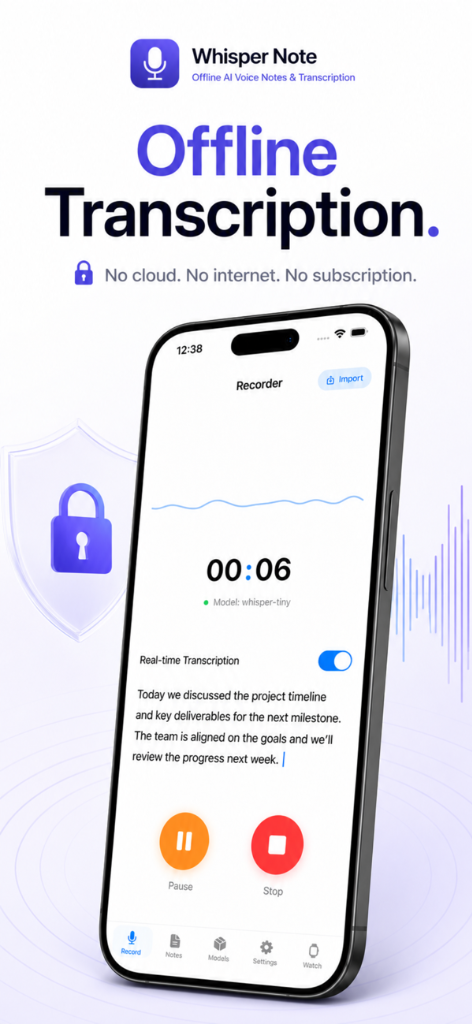
Offline Transcription
All transcription happens locally on your device. No cloud uploads, no internet needed, 100% secure.
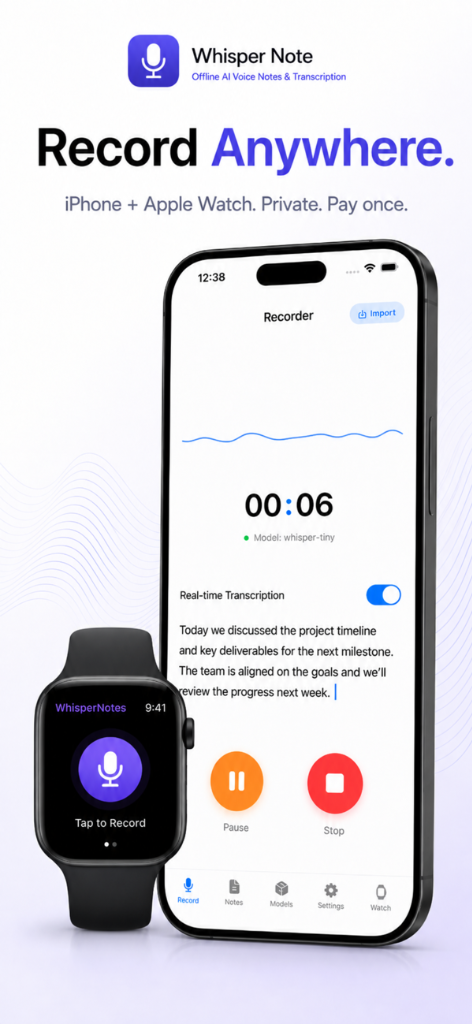
Record Anywhere
Start recording on iPhone or Apple Watch. Capture voice notes, meetings, lectures, and quick thoughts on the go.
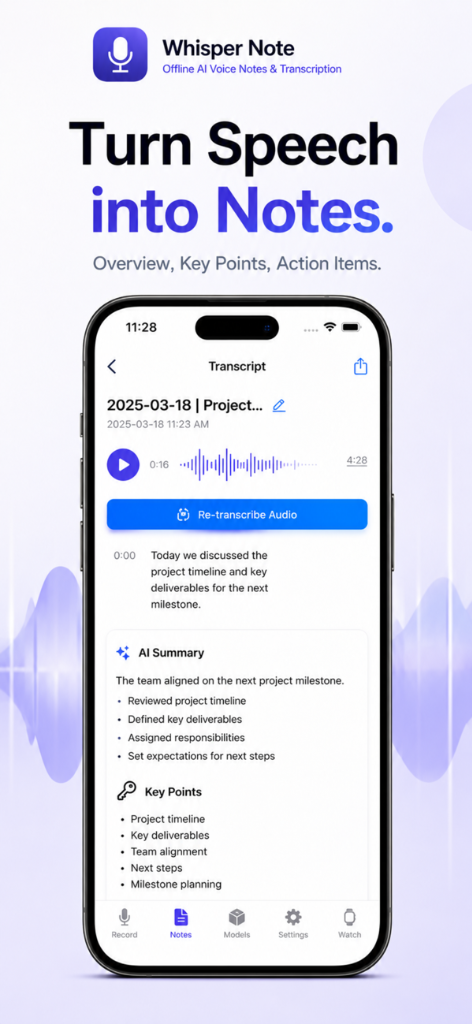
Turn Speech into Notes
Organize long recordings into structured summaries, key bullet points, and action items automatically.
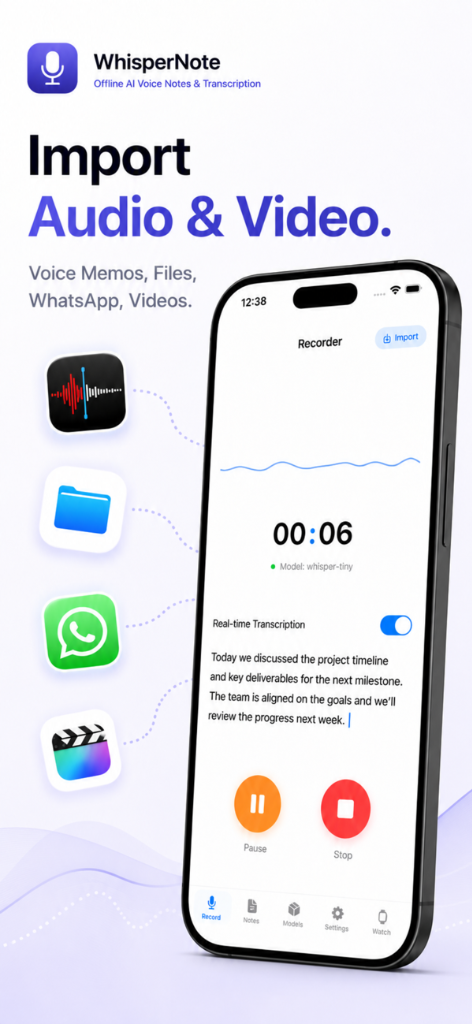
Import Audio & Video
Import files from Files, Voice Memos, WhatsApp, or videos and convert them instantly to transcripts.
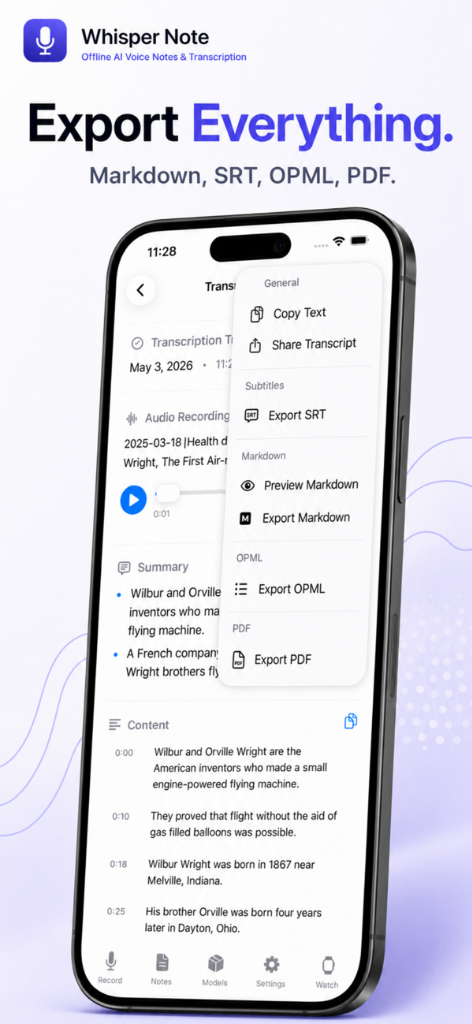
Export Everything
Export transcripts and summaries to Markdown, SRT subtitles, OPML outlines, or PDF documents.
Reviews
What people are saying about Whisper Notes
Perfect for Privacy
Mar 15, 2025 — PrivacyFirst
Finally an app that keeps my recordings private. Everything stays on my device. The transcription quality is impressive for an offline solution.
Great Experience
Dec 26, 2024 — Foto
Super practical—easy to manage, copy text, send it, or listen to the audio. The developers did a great job at an exceptional price.
Best Value
Feb 9, 2025 — Known59
I bought this app because I often get ideas but can't transcribe them right away. Completely offline and no subscription. What more could you want?
Speed & Accuracy
May 4, 2024 — Michael
What impresses me most is how it balances speed and accuracy. Fast enough for research interviews, accurate enough that I don't waste time fixing transcripts.
One-time Purchase
Jan 28, 2025 — CrashCarrotDude
I was tired of subscription fees. This is one purchase—that's it. All future updates included, and it keeps getting better. Worth every penny.
Apple Watch Gem
Apr 12, 2025 — WatchFan
Recording quick notes from my Apple Watch is a game changer. Perfect for capturing ideas on the go without pulling out my phone.
Simple Pricing
No subscriptions. No hidden fees. Just one simple price.
- Lifetime access
- All future updates included
- 100+ language support
- Offline transcription
- Apple Watch support
- Export to Markdown, SRT, PDF
vs. $10–20/month for cloud-based alternatives
Frequently Asked Questions
Yes! All transcription happens on your device using local Whisper AI models. No internet connection is needed, and your audio files never leave your phone or tablet.
Yes, you can import meetings, lectures, or interviews. It supports MP3, M4A, WAV, and video formats. On iPhone, you can also share directly from Voice Memos: tap a recording → '...' → Share → 'Transcribe with Whisper Notes'. All processing is done on-device.
Whisper Notes supports 80+ languages, including English, Chinese (Simplified & Traditional), Spanish, German, French, Japanese, Korean, Russian, Arabic, Hindi, Portuguese, Italian, Dutch, and more.
With the default Parakeet model, it is extremely fast. On newer models like iPhone 15, it takes only seconds to transcribe minutes of audio. Using larger Whisper models for more languages is slower—around 1 minute of processing time for a 5-minute audio file.
No, real-time transcription is not supported. We focus on high-precision transcription after the recording is finished. This allows the AI model to analyze the full audio context, resulting in significantly higher accuracy.
Yes! Whisper Notes supports exporting transcripts with timestamps, which is perfect for reviewing audio content or creating subtitles. You can export as Markdown, SRT, OPML, or PDF.
It is a one-time purchase of $2.99. No subscriptions, no ads, no hidden fees. All future updates are included.
No. This is a deliberate privacy design. All recordings and transcripts are saved strictly on your local device. Your audio never touches any servers—neither ours nor Apple's.
Transcription speed depends on your device's GPU/CPU. It is very fast on newer devices, but on older models (like iPhone 11 or earlier) with weaker GPUs, it will take longer since all computations are performed locally.
Whisper Notes relies on local processing and uses the device's GPU. iOS does not allow third-party apps to access the GPU in the background, so it will pause when you switch apps. Simply return to the app and click 'Re-transcribe' to continue.